0
0
Support keeps this going.
If you find value here, a small tip makes a big difference ❤️
📍 Noticed
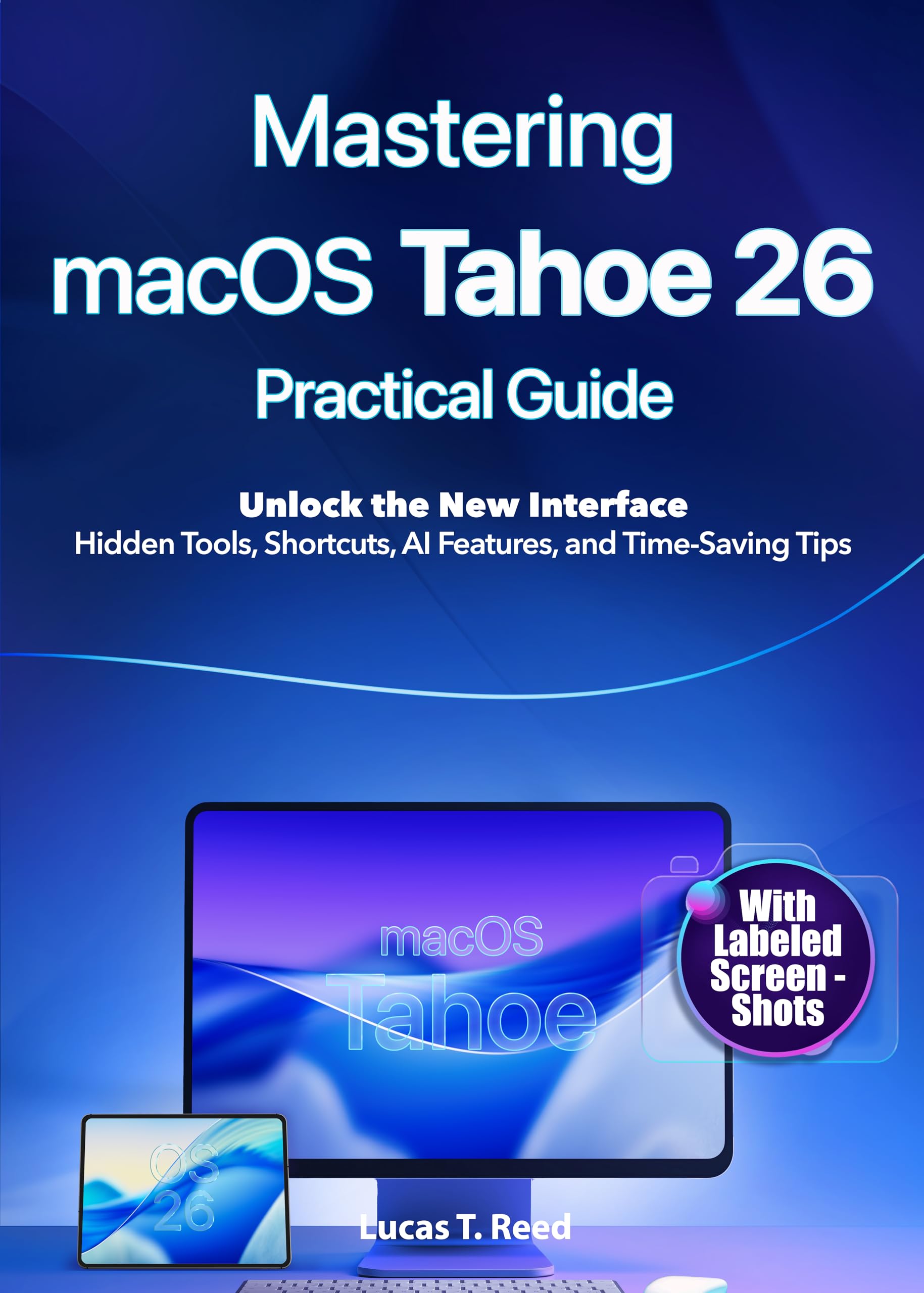
Mastering macOS Tahoe 26 Practical Guide : Unlock the New Interface: Hidden Tools, Shortcuts, AI Features, and Time-Saving Tips
by Lucas T. Reed
Sponsored
Synopsis
The Complete Visual Guide to macOS Tahoe 26 — With Step-by-Step Screenshots & Printable Cheat Sheets
Are you struggling to keep up with all the new features in Apple’s biggest macOS update yet?
Whether you’re switching from Windows, starting fresh, or a seasoned Mac user aiming to stay ahead, ...
Are you struggling to keep up with all the new features in Apple’s biggest macOS update yet?
Whether you’re switching from Windows, starting fresh, or a seasoned Mac user aiming to stay ahead, ...
The Complete Visual Guide to macOS Tahoe 26 — With Step-by-Step Screenshots & Printable Cheat Sheets
Are you struggling to keep up with all the new features in Apple’s biggest macOS update yet?
Whether you’re switching from Windows, starting fresh, or a seasoned Mac user aiming to stay ahead, this step-by-step guide will transform the way you work, create, and connect with your Mac.
macOS Tahoe 26 isn’t just another update — it’s a reinvention. From the sleek new interface to Apple Intelligence features and hidden automation tools, this system is designed to make your Mac not only more powerful, but more human.
Here’s what you’ll discover inside:
🔹 Personalize your desktop with the latest UI changes and dynamic widgets
🔹 Harness AI-powered tools that write, organize, and summarize for you in Mail, Safari, Notes & more
🔹 Stay effortlessly in sync with iPhone Mirroring, Universal Clipboard, and Live Activities
🔹 Boost productivity with smarter built-in apps like Calculator, Calendar, and Reminders
🔹 Level up your gaming with the new Games app and next-gen Metal 4 performance
🔹 Automate repetitive tasks with Shortcuts + AI — no coding required
🔹 Troubleshoot issues and maintain your Mac like a pro
🔹 Safely downgrade or prepare for the next big upgrade with confidence
Who is this guide for?
✔ Seniors and beginners who want clear, jargon-free instructions
✔ Professionals and creatives looking to get the most from their Mac
✔ Parents, students, and everyday users who want to stay safe and productive
✔ Anyone curious about Apple Intelligence and how it’s reshaping the future of computing
Inside you’ll also find:
✓ Illustrated walkthroughs
✓ Real-world workflows and examples
✓ Time-saving tips & hidden tricks
✓ Accessibility guidance
✓ Glossary and keyboard shortcut cheat sheets
✓ Printable reference materials and compatibility notes
Don’t just use your Mac — master it.
Scroll up and grab your copy of Mastering macOS Tahoe 26 today — your personal key to Apple’s smartest operating system yet.
You May Also Like